- support@carliphone.com
- +17273968008
- Mon - Sat: 10:00 - 7:00

Home / Repair
YOUR LOCAL REPAIR TEAM · LARGO, FL
Cell Phones, Tablets, Computers
& Game Consoles Repair Services
A cracked screen. A battery that won’t last. A console with no signal. Find the right repair for the tech you rely on, with clear options from our local team.
Free diagnostics · Walk-ins welcome · Estimates before repairs
KEEP THE TECH YOU LOVE
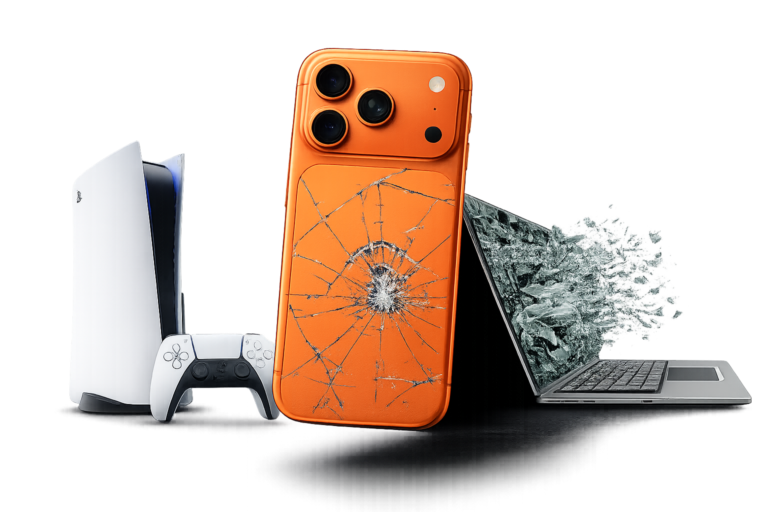
One team. More ways to help.
Phones, tablets, computers & consoles.
01 · START WITH YOUR DEVICE
What needs fixing?
Choose a category to see repair options for your device. Each service page goes into the specific models, common problems and next steps.
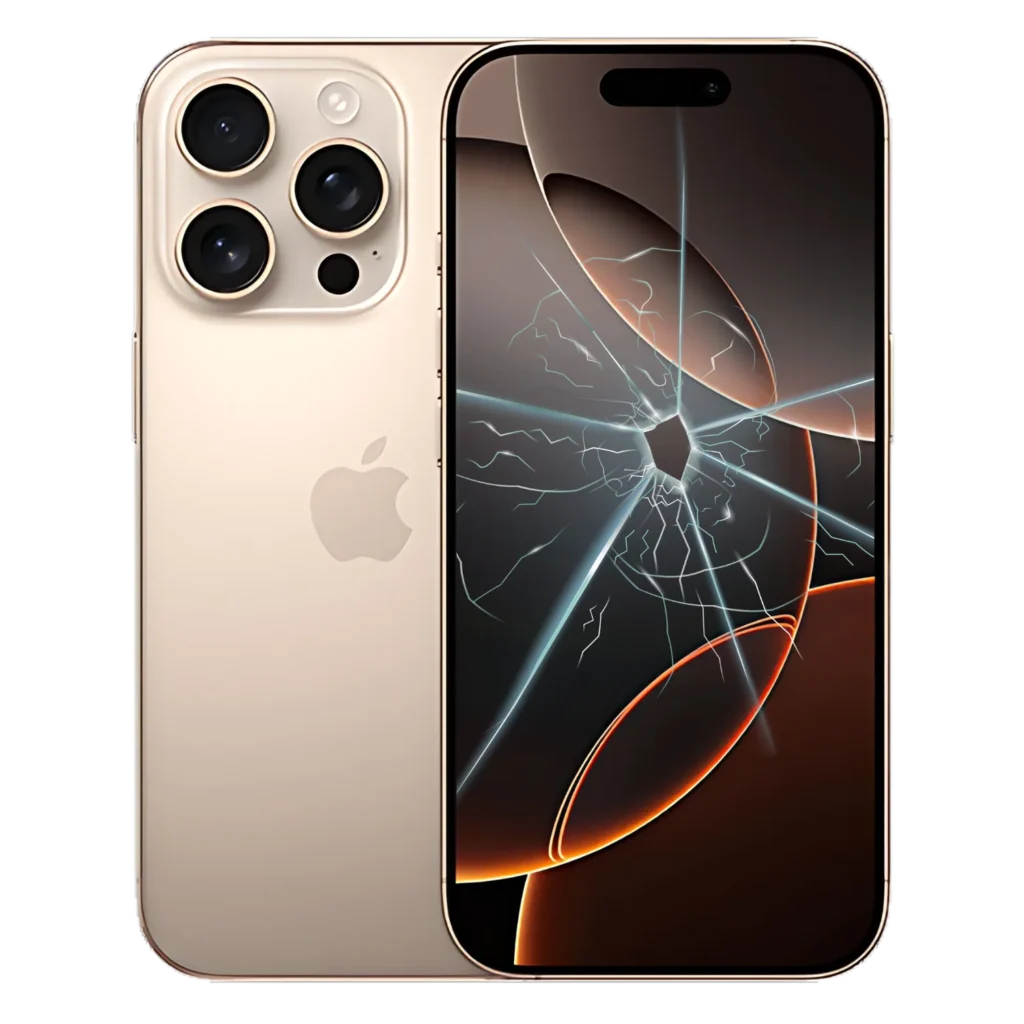
Screens, batteries, charging ports and cameras for iPhone, Samsung Galaxy, Google Pixel and other Android phones.
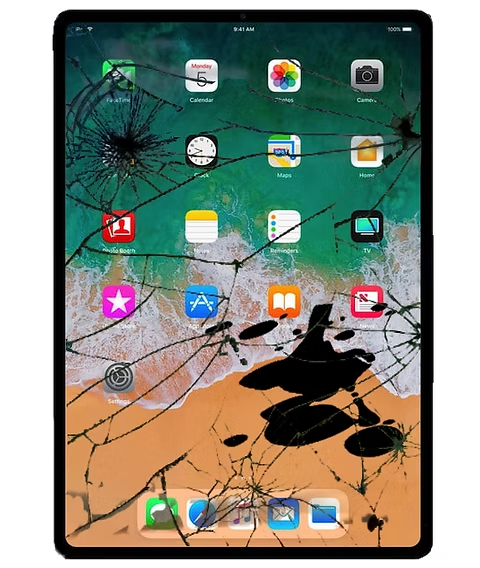
Touchscreen, battery, charging and button issues for iPad and other tablets. Choose your brand to explore the right service.

MacBook, laptop and desktop repair. Get help with power, charging, screens, overheating and hardware problems.
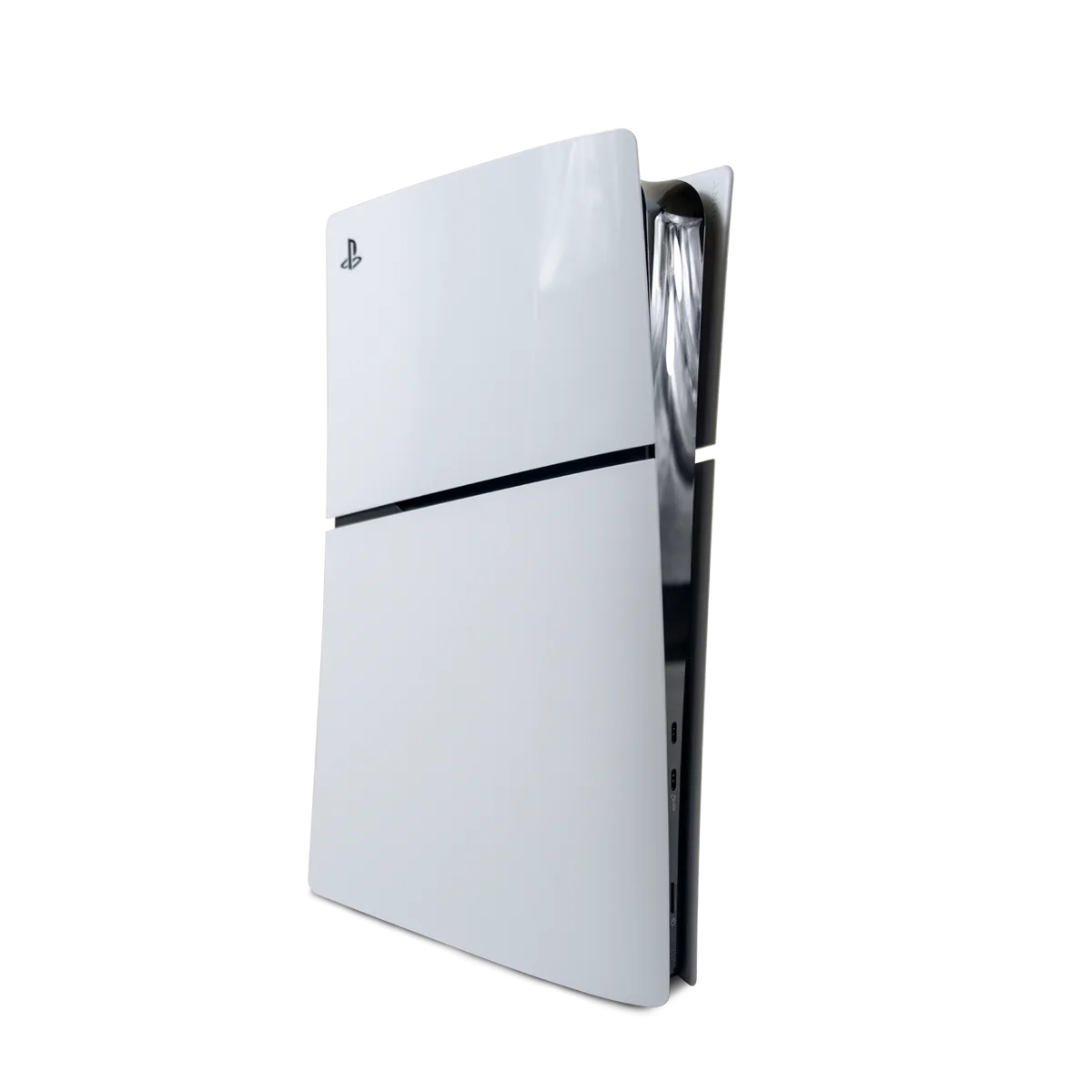
PlayStation, Xbox and Nintendo repairs, including HDMI, power, overheating, charging and controller issues.
02 · FIND YOUR BRAND
Your brand.
Your repair options.
Find the device you use every day. Explore a dedicated service page for your brand, or contact us if you’re unsure where to start.
Cracked glass, display problems, batteries, charging and cameras. Explore iPhone repair options and model-specific pricing.
Repair options for Galaxy S, A, Note and Z series. Screens, batteries, cameras and charging problems.
Help for Pixel, Motorola, LG and other Android phones. Tell us the exact model so we can check parts and repair options.
iPad, iPad Pro, iPad Air and iPad mini. Screen and touch issues, battery life, charging ports and more.
MacBook Air, MacBook Pro and other Mac devices. Screens, charging, battery, power and hardware diagnostics.
Windows laptops and desktops, Samsung tablets and Microsoft Surface. Find the right repair category for your device.
PS5 and PS4 repair options for no HDMI signal, power problems, overheating and other console faults.
Xbox Series X, Series S and Xbox One. HDMI, power and hardware repair options to help you get back to playing.
Nintendo Switch repair for screens, charging, Joy-Con and other device issues. Check options for your exact model.
Don’t see your model? Call (727) 396-8008 with the brand, model and issue. Service and parts availability vary by device.
03 · A CLEAR STARTING POINT
A few repair price examples.
These examples help you compare services. Select your model’s repair page or call us for the right estimate.
iPhone 15
Front glass repair
$89
Glass-only repair. The display and touch must qualify; a damaged display is a different service.
iPhone 15
Display replacement
$189
For display or touch problems requiring a display replacement. Your device is inspected first.
iPhone 15
Battery replacement
$89
For a battery that no longer lasts as expected. We check the device to confirm the cause.
PlayStation 5
HDMI port repair
$149
For a diagnosed HDMI port fault. “No signal” can have other causes that need an evaluation.
Reference prices shown for the specific models and services above, based on our published service information. Parts, device condition and additional damage can change the estimate. Ask about the final total and any applicable tax before approving the repair.
iPad, Samsung, MacBook, PC and other console repairs are quoted for the exact model and issue. Let’s check yours.
04 · RECOGNIZE THE PROBLEM
What’s your device doing?
A cracked screen
Glass cracked but the screen still works? Touch not responding or no image? The repair depends on what is damaged.
A weak battery
Short battery life or unexpected shutdowns can have several causes. A diagnostic helps identify the right next step.
Charging problems
Loose connections or no charging? We check the port, cable connection and device before recommending a repair.
Broken back glass
Shattered iPhone back glass can need a different repair from front glass. Find options and pricing for your model.
Computer won’t start
Power failures, overheating and hardware problems need a closer look. Start with a device evaluation.
Console has no signal
A PS5 or Xbox with no picture may have an HDMI or another hardware fault. We diagnose it before quoting the work.
05 · KNOW WHAT HAPPENS NEXT
Clear answers.
Before the work begins.
01
Tell us what happened.
Choose your device and service, then call or book a visit. Bring the exact model and a description of the issue.
02
Review your estimate.
We diagnose the issue and explain repair options, parts availability, expected timing and warranty coverage. You decide whether to proceed.
03
Get your tech back.
After the repair, we check the relevant functions and explain the work completed and any follow-up care for your device.
Tech repairs for your business
Need help with business devices or several computers? Explore our business tech service and discuss the equipment your team relies on.
Need a phone unlock?
Carrier unlock eligibility is separate from hardware repair. Check the available service and requirements for your device.
06 · A REAL STORE. A LOCAL TEAM.
Bring it to CarliPhone.
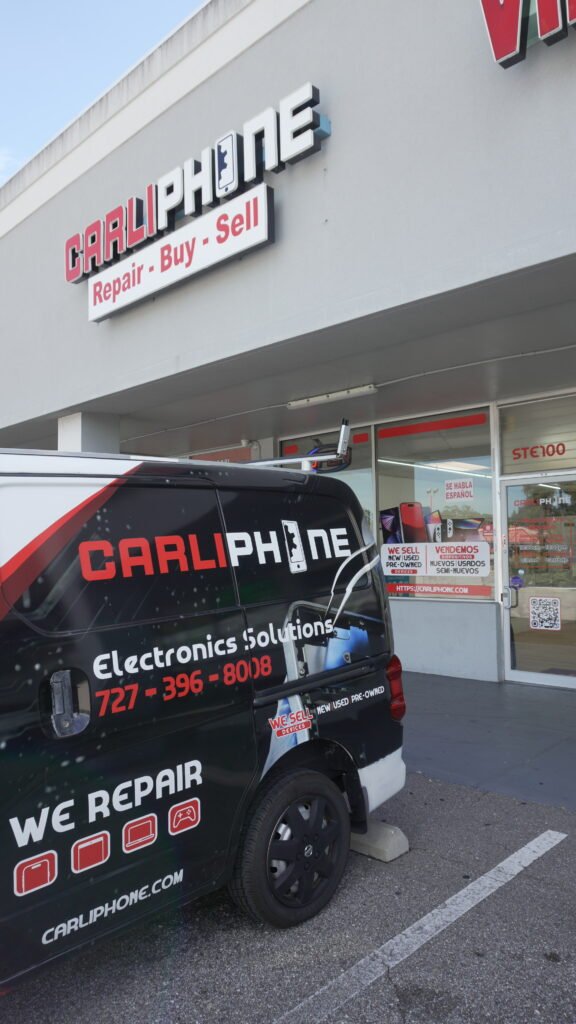
Visit our Largo store for a device evaluation. We welcome customers from Clearwater, Pinellas Park, St. Petersburg and neighboring Pinellas County communities.
CarliPhone · Largo
1600 Missouri Ave N #100
Largo, FL 33770
Monday–Saturday · 10:00am–7:00pm
(727) 396-8008 · support@carliphone.com
Want to get to know our team first? About CarliPhone · Read our customer reviews on Google
07 · QUESTIONS BEFORE YOUR VISIT
Let’s make the next step easy.
What devices does CarliPhone repair?
We offer repair services for smartphones, tablets, laptops, desktops and game consoles. Explore the links above for iPhone, Samsung, iPad, MacBook, PlayStation, Xbox and Nintendo, or call about your exact model.
How much will my repair cost?
The cost depends on the model, damaged component, parts and device condition. The prices above are examples for specific repairs. We inspect your device and explain the estimate before you decide to proceed.
Is glass-only repair the same as a display replacement?
No. Glass-only repair is an option only when the display and touch qualify. A screen with touch problems, lines, black spots or no picture may need a display replacement. We check the device to recommend the correct service.
Do I need an appointment?
Walk-ins are welcome at our Largo store. You can also book a repair online or call first to check parts and availability for your model.
How long does a repair take?
Timing depends on the device, fault, parts availability and current workload. Ask our team for the expected turnaround for your repair rather than assuming every device will be ready the same day.
Does my repair include a warranty?
Warranty coverage depends on the service and parts used. Ask about the duration, what is covered and any exclusions before approving the work. Phone purchase warranties are separate from repair coverage.
What should I do before bringing my device?
Back up important photos and files if the device allows it. Know the model and describe when the problem started. Bring a charger or relevant accessory if it helps reproduce the issue, and ask our team about any other preparation.
Do you repair devices with liquid damage or no power?
We can evaluate these problems, but repairability and cost depend on the damage found. An evaluation is not a guarantee of recovery. Tell us what happened and avoid charging a device after liquid exposure.
READY WHEN YOU ARE